How to switch from Tournament Director to LynxPoker
A step-by-step guide to moving from The Tournament Director to LynxPoker: import players, rebuild blind structures once, pair TVs, invite staff, test night.
The Tournament Director has run poker tournaments in clubs for years, and it does a lot well: deep structure settings, seating, payouts and a clock on the wall. If you are reading this, you are probably thinking about moving anyway, usually because the whole night lives on one Windows computer, and your floor and dealers have no screen of their own.
This guide walks through the switch to LynxPoker step by step: what moves over, what you type in once, what changes for your staff, and how to run a test night before you rely on it. It also says plainly when staying on Tournament Director is the better call.
Short version: get your player list into a spreadsheet and import it as a CSV file, type each blind structure in once, pair your TVs, invite your staff, and run a full test tournament on the free trial before your first real night. A small room can do it in an evening.
Before you start: what moves and what starts fresh
Be clear about this first, because it decides how you spend the evening. Some things carry over almost as they are, some you rebuild once, and some stay behind in Tournament Director as your archive.
| What | How it moves | Effort |
|---|---|---|
| Your player list | Imported from a CSV file | Minutes |
| Your dealers | Imported from a CSV file | Minutes |
| Blind structures | Typed in once, then reused | A few minutes each |
| Payouts | Set per tournament: pick how many places pay | Minutes |
| Tables | Added once, numbered for you | Minutes |
| TVs | Paired with a code on the TV | About 2 minutes each |
| Past results and old league tables | Stay in Tournament Director as your archive | None |
There is no button that reads a Tournament Director file, and we would rather say so up front. The good news is that the parts that take real time to rebuild, the blind structures, only need to be typed once.
Step 1: start the free trial and run the practice tournament
Sign up at lynx.poker. There is no card and nothing to install: LynxPoker runs in the browser on the computer you already have, Windows included, and on phones and tablets. The trial is 3 tournaments within 14 days, up to 150 players each, with every feature on.
A new club gets a short checklist called Get your room ready, and one of the first steps is a practice tournament with sample players. Spend ten minutes there: register a player, bust one, move one, and watch every screen follow. It is the fastest way to map what you know from Tournament Director onto the new screens.
Step 2: bring your players over from a spreadsheet
If your player list is in a spreadsheet, or you can copy it into one, save it as a CSV file. On the Players page in LynxPoker, choose Import. The file needs one person per row, with a first name and a last name; nationality, ID number, phone and email are optional columns. ID number, phone and email are read only when the file has a header row and you import as the owner or an admin.
- Download the template from the import screen if you want the exact column order.
- If your file has a different shape, the import screen gives you a ready prompt: paste it into an AI tool with your file, and it hands back a CSV in the right shape.
- Each file holds up to 300 people. A bigger list goes in as two or more files, one after the other.
- Before anything is saved, you review every row. Rows that look like someone already on your list are flagged, so a second import does not double your regulars.
- An Excel file is not a CSV. In Excel or Google Sheets, choose File, then Save as, then CSV.
Dealers import from a CSV on the Dealers page too (names only). If you would rather not import at all, staff can add players at the door on the night, and they join your list as they come.
Step 3: rebuild your blind structures once
Open each structure in Tournament Director next to LynxPoker and type the levels across: blinds, ante, level length and breaks. A new tournament starts from a standard structure, so you are editing a ladder rather than starting from an empty table, and you can edit several rows at once.
Two things help while you do it. First, the structure assistant: tell it how many entries you expect and when you want to finish, and it shows when play will stop before the first card is dealt. If your old structure always ran long, you will see it here. Second, LynxPoker checks each level against your chips: if a blind cannot be paid with your smallest chip, the row says so.
You do this once per structure. After that, a new tournament can start from a structure your club already ran, or you can duplicate a past tournament and its settings.
Step 4: add your tables and dealers
Tell LynxPoker how many tables your room has, and it adds them for you, numbered in order. Rename or remove any of them. Then open the Dealers board and drag a dealer onto a table: the dealer sees that table in the Dealer app, and the board shows who is dealing, on break or off shift.
This is the biggest change from Tournament Director. Instead of one person at the computer telling everyone where to go, each dealer and each floor person has their own screen, and the whole room sees the same tournament.
Step 5: put the clock on your TVs
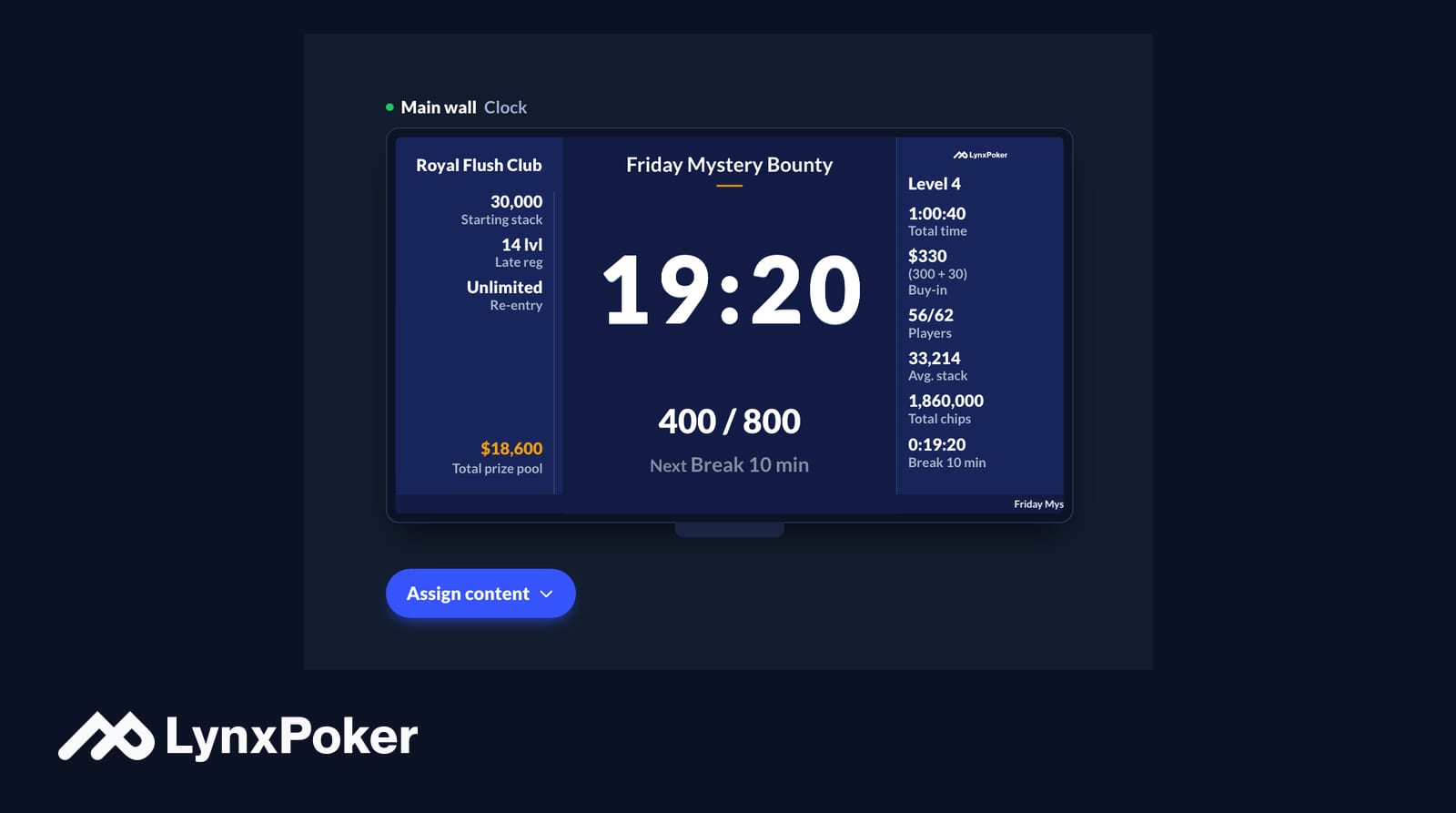
On each TV, open the web browser and go to app.lynx.poker/screen. A code shows on the TV. Type it into the Screens page, give the screen a name, and pick what it shows: the live clock, the players, the places or the mystery bounty draw. A TV without a browser works with a laptop or a streaming stick plugged into it.
There is no second computer per screen to manage, and no window to drag onto a second monitor. Every TV follows the tournament on the server, and the wall clock keeps counting through a Wi-Fi drop, even into the next level.
Step 6: invite your staff
Invite your tournament director, the floor and the dealers. Pick the apps each one gets, and they receive an email with a link. The Floor app and the Dealer app open in a browser, with nothing to download, and each one shows only what that job needs.
- Roles are owner, admin and member, with access set per app.
- Dealers report busts from the table, and the seat empties at once.
- When a dealer calls the floor, a banner opens in the Floor app, whatever the floor person is doing.
- If you use tablets at the tables, the tablet guide shows how to make the apps run full screen and stay awake.
Step 7: run a full test night
Before your first real tournament, run one end to end with your staff: register players, seat them, let the clock run through a break, bust players from the dealer tablets, balance the tables, set the payouts and print the report. Use one of your real structures. The trial covers 3 tournaments, so plan the test night as one of them.
On your first live night, keep the Tournament Director computer nearby with that night's structure loaded, just in case. It costs nothing and takes the pressure off the staff.
What changes on the cost side
The Tournament Director lists a $49.99 personal license and a $299.99-a-year commercial license, and offers a 30-day evaluation (checked October 2026, may change). It is cheaper in license fees, and that is a fair point in its favor.
LynxPoker is a monthly plan with credits included: one credit is one player in one tournament, and re-entries, rebuys and add-ons are free. Reg is $200 a month with 400 credits, Pro is $700 with 1,625, and Elite is $1,500 with 4,500, from 33¢ a player. What you pay for is the room around the clock: every screen from one page, apps for the floor and the dealers, the players app, and no single computer the night depends on.
Compare in detail
When staying on Tournament Director makes sense
If your room runs on one computer and nobody on the floor needs a screen, if you rely on years of custom settings, or if the license price is what matters most, Tournament Director may still be the better fit, and there is no shame in that. LynxPoker earns its place when several people run the room at once, when you have more than one screen, and when you want players to find your tournaments on their phones.
Switching questions
Can LynxPoker import my Tournament Director structures?
Not directly. You type each structure in once, starting from a standard ladder, and the structure assistant shows when it will finish. After that, any new tournament can start from a structure your club already ran.
Can I bring my player list?
Yes. Save the list as a CSV file and import it on the Players page, up to 300 people a file. First and last names are required; nationality, ID number, phone and email are optional, and ID number, phone and email need a header row and an owner or admin to import them. Dealers import from a CSV on the Dealers page too (names only).
How long does the switch take?
The import takes minutes, each structure a few minutes and each TV about two, so a small room can do it in an evening. Then run a test tournament with your staff before your first live night.
Does LynxPoker run on Windows?
Yes, in the browser, and also on a Mac, a phone or a tablet. Nothing is installed, so there is nothing to update.
Join the newsletter
Product updates, tournament playbooks, and seasonal promotions. Usually once or twice a month, no spam.